
Have the source for a Windows game? Where Apple’s Game Porting Skills can help
Trying a Windows game on a Mac is different from building a Mac version from its source. If you have an editable project, Apple’s Game Porting Skills can help a coding assistant divide the work. You still need to build, run and check the game yourself.
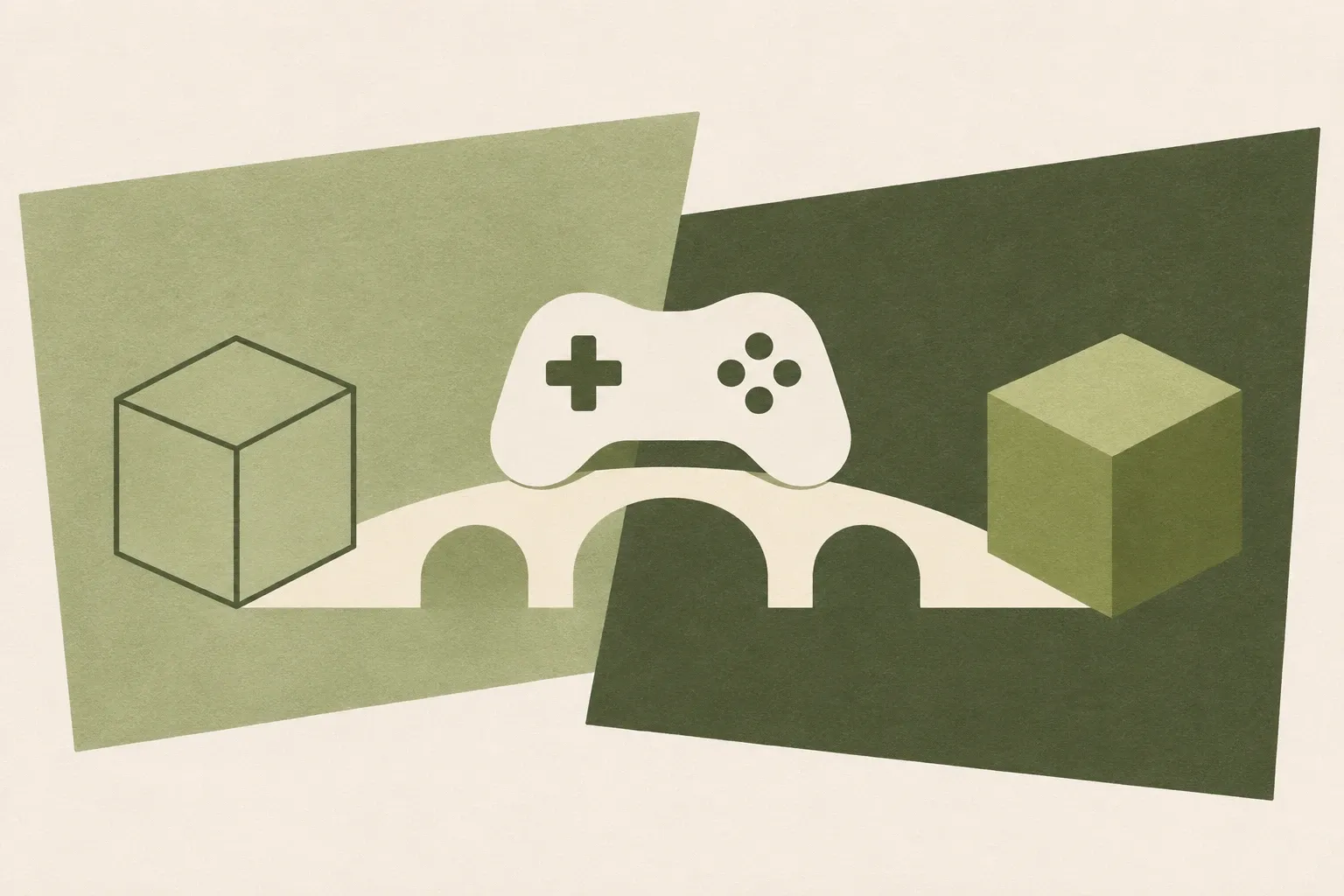
Playing on Mac versus porting from source
Porting means adapting a project for another platform, such as Windows to macOS or to iPhone and iPad. If the game uses DirectX, graphics work may involve Metal. Audio, controls, windows, screen sizes, full-screen mode and assets also need checking.
Running a Windows game on a Mac can help assess compatibility, but it does not create a native macOS game. A native port requires source changes and tests of graphics, controls and performance on the target device.
Skills guide a coding assistant; they do not port a game automatically
Apple publishes Game Porting Skills in the Game Porting Toolkit 4 repository. Each Skill guides a specific task, such as tracing incorrect graphics. A coding assistant can use that guidance to inspect files, propose changes or call tools within the permissions you grant. A real port needs a project you can edit.
Choose the Toolkit, Skills or a game-playing tool for the job
| Tool | What it does | When to use it |
|---|---|---|
| CrossOver | Runs some existing Windows games on Mac. Compatibility depends on the game. | You want to play. Check for an official Mac version first. |
| Game Porting Toolkit | Evaluates a Windows game binary on Apple silicon and provides tools to convert shaders or inspect graphics. | You need a baseline before porting or are adapting the project. |
| Game Porting Skills | Gives a coding assistant Metal guidance and a porting workflow. | You can modify the project and want AI assistance at each stage. |
| Coding assistant | Reads files, runs tools, and edits code within its permissions. | You want to apply the skills to a real project. |
Choose based on what you want to do
| Your goal | How to begin | Reason |
|---|---|---|
| Play a Windows game on Mac | Check for an official Mac version, then look up CrossOver compatibility. | You are working with the existing game files. |
| Assess a game before deciding to port | Try the Windows binary in the Toolkit's evaluation environment. | It gives you an initial view of compatibility and performance. |
| Build a Mac version from source | Use the Toolkit with a coding assistant that has the skills installed. | You will need to change several systems and verify them one at a time. |
| The game already uses a cross-platform engine | Check the engine's build and export support first. Use the skills where you get stuck. | The engine may handle part of the work for you. |
| You only have someone else's game installer | Look for a way to play that the game's owner supports. | You need separate rights to modify or distribute the game. |
CrossOver runs Windows games on Mac through a compatibility layer; results vary by game. Apple’s evaluation environment provides information before porting. Neither tells you whether the finished port is ready for release.
- Players can start by checking for a Mac version and looking up compatibility.
- If you are learning about AI, read the Workflow Skills and watch Apple's demo to see the steps in practice.
- If you have the source, evaluate the game and pick a small, testable goal before asking the assistant to change code.
How Expert and Workflow Skills work together
Expert Skills cover specific problems, such as moving D3D12 calls to Metal 4, managing buffers and textures, or investigating an incorrectly colored frame. Workflow Skills help decide when to apply that guidance and what to verify afterward.
Apple’s Expert Skills include Metal 4, shader conversion (shaders are programs the GPU uses to produce images), game controllers, MetalFX and debugging black screens or incorrect colors.
- Discover: Inspect the code and Windows dependencies, then record project constraints.
- Plan: Pick the first verifiable goal and order milestones by dependency.
- Prepare: Read the files, select the relevant Expert Skills, and agree on what to verify.
- Execute: Keep code changes within the milestone.
- Validate: Build, run, and gather evidence against the agreed criteria.
- Handoff: Record the results, open issues, and next step for whoever takes over.
Apple’s guide repeats Prepare through Handoff for each subtask. Exploration findings, goals and handoff notes go in .porting/ so a new session or teammate can pick up the work.
Start with a small scene you can compare with the original
Imagine a team with a Windows game using DirectX and a test scene that draws one object. Port that scene first and save a reference image from the original. This separates graphics problems from audio, menus and saves. This is a hypothetical example.
- Inspect rendering, input, audio, and shaders for Windows dependencies.
- Pick the first goal, such as opening a game window and drawing one object on Mac.
- Have the assistant propose how to set up the project, create the window, and adapt rendering. Split the plan into milestones you can verify.
- Change one subsystem at a time and have a developer review consequential edits.
- Build and test on real hardware. Compare the image and exercise the controls when those parts are ready.
- Once the first scene passes, move on to input, audio, and performance for each target device.
A first prompt for inspecting the project
Inspect only this Windows game's rendering system to prepare a Mac port. Leave the files as they are. Identify the files that call DirectX, the parts we can reuse, and any risks you are unsure about. Propose a first scene small enough to build, run, and compare with the original.
Before letting the assistant edit, open the files it cites and check that the game actually uses them. If its first plan changes graphics, input and audio together, split it into tasks you can verify independently.
| Possible issue | How the assistant can help | What the team must verify |
|---|---|---|
| DirectX calls are tied to resource creation. | Locate buffer and texture creation and propose a Metal approach. | The game builds and runs on Mac, and draw calls receive the expected resources. |
| The original shader uses a platform-specific format. | Interpret converter errors and suggest shader changes. | Compare the rendered image with the reference after conversion. |
| Shader conversion succeeds, but surfaces disappear or colors are wrong. | Suggest hypotheses and pick a frame for GPU capture. | Compare the same frame with the original, inspect the draw call, and rerun the test. |
| Controller or mouse behavior changes. | Find the code tied to Windows input APIs. | Navigate menus, play, and switch physical input devices. |
| The game opens but stutters or uses too much memory. | Suggest what to measure and which Metal profiling tools to use. | Measure the same gameplay segment on the target hardware against the team's criteria. |
The scene above is hypothetical. For a developer demonstration, the cited WWDC video shows Apple working with Microsoft MiniEngine.
What you need before installing
| What you need | What it is for |
|---|---|
| Apple silicon Mac | Evaluate and test the game as described in Apple's guide. |
| macOS 27 | Provides Metal debugging tools such as gpucapture and gpudebug. |
| Xcode 27 | Build and debug apps for Apple platforms. |
| Game Porting Toolkit 4 | Evaluate Windows binaries and use the shader conversion tools. |
| Coding assistant that supports the skills | Read and edit the project within the permissions you set. |
| Project you are authorized to modify | Access the source and assets the port requires. |
You can read the guides and watch the videos without a Mac or a project. A real port requires reading code, using a terminal and checking results on a device. If the assistant gets the graphics analysis wrong, someone on the team must investigate and fix it.
Choose installation steps for your coding assistant
Start with Apple's repository
The apple/game-porting-toolkit repository contains Skills, examples and metal-cpp for using Metal from C++. Check the README for your version before choosing the installation instructions for your assistant.
Install in Claude Code
In Claude Code, add the marketplace and install the plugin:
/plugin marketplace add apple/game-porting-toolkit
/plugin install game-porting-skills@game-porting-toolkit
Install in Codex CLI
In a terminal with Codex CLI available, add the marketplace and install the Skills:
codex plugin marketplace add https://github.com/apple/game-porting-toolkit
codex plugin add game-porting-skills@game-porting-toolkit
Install in Gemini CLI
For Gemini CLI, clone the repository with its submodules, then replace the sample path with the actual path on your machine:
git clone --recurse-submodules https://github.com/apple/game-porting-toolkit.git
gemini extensions install /path/to/game-porting-toolkit/game-porting-skills
These commands were checked against Apple’s README; KrobClick has not run the installations. If your CLI rejects a command, consult the README for your version rather than guessing the next command.
Inspect the project and verify the result yourself
Inspect this game project for a possible macOS port. Leave the files unchanged. Identify the systems that need changes, likely problems, and milestones we can test one at a time.
Read the report before allowing file changes. Afterward, inspect the build log, launch the game on the device, test graphics and controls, and compare the evidence with your agreed goal.
A successful build is only the start: six levels of validation
Agree first whether this round ends with one visible scene or aims for a player-ready build. This table is KrobClick’s suggested starting checklist, not an Apple certification standard; adapt it to the game.
| Readiness stage | Pass criteria | Evidence |
|---|---|---|
| 1. Builds | Produces an app for the target machine. | Command, tool versions, and build log. |
| 2. Launches | Repeated launches reach the intended scene. | Launch log and capture from the target machine. |
| 3. Renders correctly | Objects, lighting, and key visuals match the reference to the team's standard. | Comparison images and a GPU capture when needed. |
| 4. Controls work and gameplay is playable | Menus, key controls, and a short gameplay loop work with supported devices. | Input test results by device. |
| 5. Runs reliably | Sustained and repeated play meets the team's time and resource criteria. | Error logs, memory use, and repeat test results. |
| 6. Ready for players | Performance, settings, devices, and release steps meet the target requirements. | Results on real devices and the team's acceptance checklist. |
A sample handoff after porting the first scene
This sample handoff is hypothetical. Use its structure to record your team’s actual results:
- Goal: Open a window and render one test scene on Mac.
- Changes: Record the files changed, why they changed, and which graphics code now uses Metal.
- Results and evidence: The build passed and the scene opened. Attach the build log and comparison images from both versions.
- Open issues: Lighting still differs from the reference, and controller input and audio have yet to be tested.
- Next step: Capture the same scene on the GPU to investigate the lighting difference, then rerun the test.
Skills organize the work; they do not guarantee a playable game
Skills let a team divide work into testable tasks and give the assistant references for Metal, shaders and debugging. You can repeat the discovery, planning and validation steps for later tasks. A newcomer can learn from the proposed plan, but should still read the code.
The assistant may produce code that does not build, draws the wrong image or breaks another part of the game. The effort depends on the engine, libraries, graphics system and Windows-specific code. Passing Mac tests does not cover touch controls or performance on iPhone and iPad; test those devices separately.
Questions to settle before porting
Can I use the skills to play Windows games on Mac?
The skills guide development work. To try running a Windows game binary, look at a compatibility tool or the Toolkit's evaluation environment, depending on your goal.
Can someone who has never coded get started?
You can watch the demo and read the workflow to understand how AI fits in. Changing a real project takes someone who can read the code and verify results on the target machine.
Do I have to use Claude Code?
Apple provides instructions for Claude Code, Codex CLI, and Gemini CLI. Check the commands for the version you installed.
How can I tell that the skills are from Apple?
Start from Apple Developer or the apple/game-porting-toolkit GitHub repository. Both point to the skills Apple maintains.
Are Game Porting Skills free?
Apple makes the repository available under Apache-2.0. AI assistants, supporting services, hardware, and developer accounts may have their own terms or costs.
If the Mac build passes, does that cover iPhone and iPad?
Use the same checklist as a starting point, then add touch controls, layout, and performance checks on the target devices. Mac results cover the environment you tested.
Where do I start if I only have the purchased game files?
Check for an official Mac version or compatibility information for tools that run the existing game. To build a new version using this workflow, first get access to the project and check your rights to modify and distribute it.
Rights and costs
The Apple repository's Apache-2.0 license covers its code under that license's terms. Your game's code, music, artwork, and libraries have their own terms. Check your rights to modify and distribute them before use. Check AI tools, hardware, and developer account costs separately.
Hand off evidence, not just an assistant’s answer
Expert Skills address technical questions; Workflow Skills track goals and results through Validate and Handoff. Keep build logs, images from a real run and test results to compare with the assistant’s claims. If it misread the code or skipped the target device, the work still needs checking.
If you just want to play, look for a Mac release and compatibility information first. If you have source code and plan to port it, choose a small scene, agree on evidence for success, then ask the assistant to inspect the code.
Sources
- Apple Developer — Game Porting Toolkit
- Apple: Source code, setup, and porting workflow
- Apple: Expert Skills and Workflow Skills reference
- WWDC26 — Speedrun your game port with agentic coding
- CodeWeavers: CrossOver Mac user guide
- Apple — Bring your game to Mac, Part 1
This article draws on Apple's documentation. The test scene is hypothetical and illustrates how to verify the work.