
Hermes Bot Mode: Profiles, Group Chats, and Task Delivery
Adding bots does not improve a result by itself. Hermes Bot Mode is useful when a task really needs separate memory, permissions, or review criteria. This article compares bots, Group Chat, and subagents, then shows how to divide research, writing, and review without making unnecessary model calls.
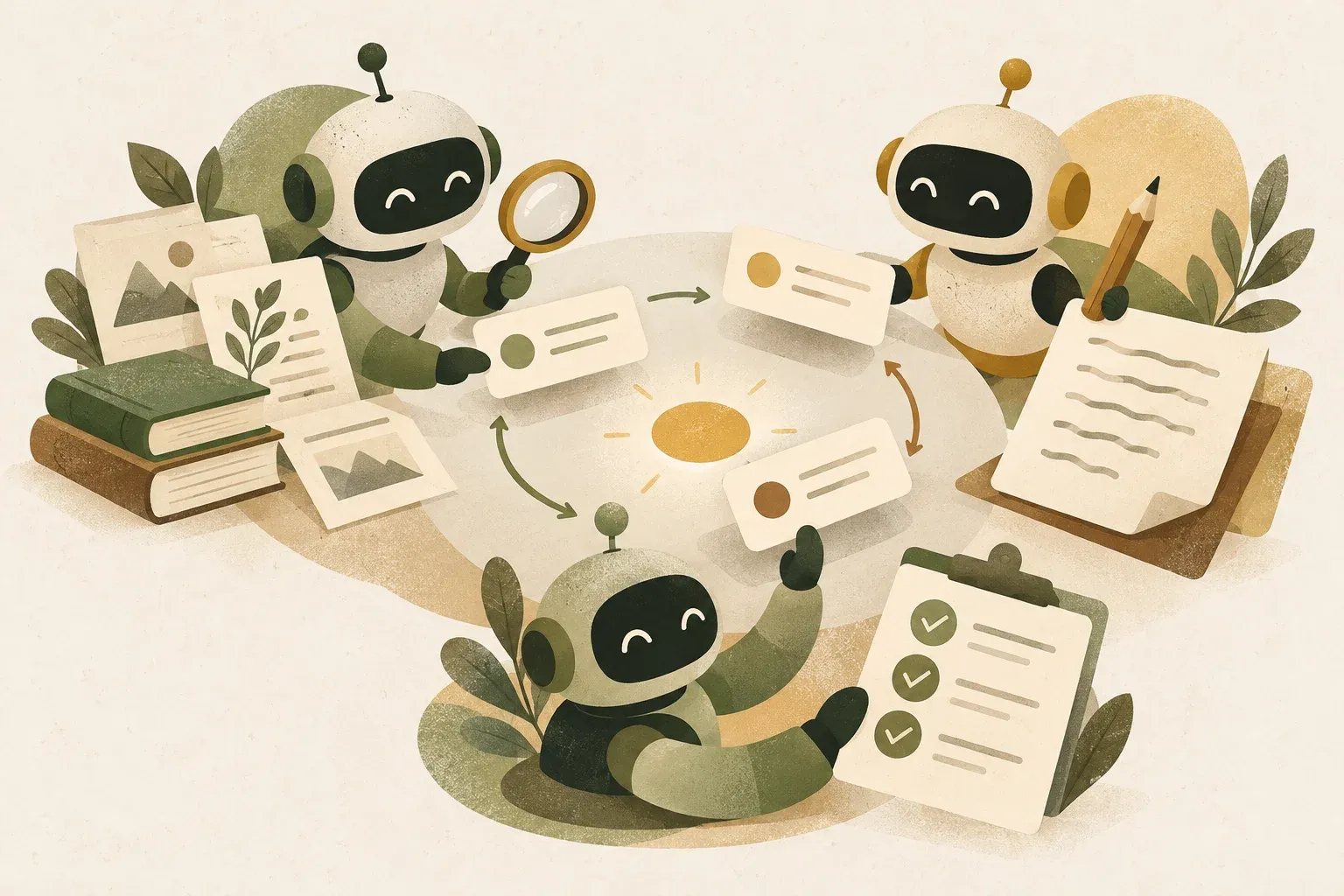
Each Hermes bot uses a separate profile
Hermes calls this feature Bot Mode; the room where several bots work together is Group Chat The term “Bot Group” can sound like an ordinary chat-group bot, so use the names in the documentation instead.
In Hermes documentation, each bot has its own profile at ~/.hermes/profiles/<name>/ It stores separate config, memory, skills, credentials, and conversation history. Hermes Desktop displays these profiles as bots with avatars, dedicated Bot Chats, and Routines. Bot Mode does not add another kind of runtime.
| Approach | Suitable for | Context and task lifetime |
|---|---|---|
| Bot | Reusable specialists with their own memory and skills | Continuously through profile and regular Bot Chat |
| Group Chat | Have 2-6 bots consider the same task in a shared-reading room | Each member has a room-specific session, and the room retains shared history |
| Subagent | Ad hoc subtasks that need to be separated or parallelized | Created as the task requires, without needing to be a permanent specialist on the roster |
| Single Bot | Linear work with one scope and toolset | It is easy to control costs and check the source of answers. |
Use multiple bots when scopes truly differ, rather than merely giving them different names
Before adding a bot, look at what differs. Separate profiles make sense when source policies, models, MCP servers, accounts, tools, memory, or acceptance criteria differ. If all bots use the same evidence and rules, you may only add redundant model calls.
- Should separate: Let the Researcher browse and collect sources while the Reviewer reads evidence without write or publishing access.
- May not require separation: A single bot can read, draft, and check the formatting of a one-email summary in one prompt.
- Subagent should be used instead: Search three topics in parallel once, without needing permanent memory or a persistent persona for each searcher.
Example team: define responsibilities before personalities
In Hermes Desktop, choose Bots, then New Agent. The simple form asks for Name, Title, and Description; Advanced lets you choose a source profile, model/provider, SOUL.md, skills, toolsets, and MCP servers. The documentation says static API keys can be copied to a separate bot credential store, while some OAuth connections require signing in to that profile.
Divide this example by what each bot hands off, not by personality:
- Researcher: Find primary sources, record URLs and dates, distinguish source statements from your own conclusions, and hand off evidence rather than publishable prose.
- Writer: Use the evidence to outline and draft; stop when a figure or factual claim lacks a source.
- Reviewer: Check each claim against its evidence, including exaggeration, secrets, and missing conditions, without publishing rights.
Use SOUL.md to specify scope and handoff criteria. The Researcher might supply a claim–source–date table, while the Reviewer lists what passed, what failed, and what needs a human decision. That is more useful for handoffs than telling a bot, “You are an excellent researcher.”
Group Chat lets multiple bots see the same room without allowing endless conversation
According to the documentation, a Group Chat has 2–6 bots. Use @mention If no bot is named, members answer only when they have something to add. The system caps consecutive rounds at three and limits messages per submission to prevent endless exchanges.
Calling each role in sequence makes it easier to trace the work:
1. @researcher รวบรวมแหล่งข้อมูลและประเด็นที่ยังไม่ยืนยัน
2. @writer ร่างบทความโดยใช้เฉพาะชุดหลักฐานนี้
3. @reviewer ตรวจ claim, ลิงก์, ความเสี่ยง และสิ่งที่ต้องให้มนุษย์ตัดสิน
4. @writer แก้เฉพาะรายการที่ reviewer ระบุ
5. ผู้ใช้อนุมัติผลลัพธ์สุดท้าย
Named calls show what each model call is for. Calling everyone at once can produce several answers based on the same evidence, followed by more time and tokens spent reconciling them.
Costs include tokens, context, credentials, and additional opportunities for errors
Each member has its own session and may use a different model, so one turn can involve several model calls and contexts. More bots, rounds, and long messages add time and cost. Start with two necessary roles, measure the result, and add another only when it solves a real problem.
- Context: Each member receives room messages within the system’s limits since its previous turn. A long room may require compressing each member’s history separately.
- Credentials: Profiles have separate credential stores, but copied keys retain their original privileges. Issue task-specific keys or accounts when the provider permits.
- Tools: The Researcher having a write-capable terminal does not mean the Reviewer needs file-writing or messaging privileges.
- Approval: Require human approval before deleting files, sending messages, publishing, or changing a system, even when the bots agree.
- Correlated failures: Bots using the same model or source do not provide independent confirmation merely by agreeing.
A queued result from message_agent means the request entered the queue, not that the work finished. Check notifications or poll on the relevant surface, and inspect the delivery_id and status before resending. A slow reply and a failed delivery need different responses.
Bot Mode is a desktop UI; headless setups require understanding markers and connectivity
Hermes Desktop enables Bot Mode by default and creates the canonical session Bot Chat with metadata that enables the protocol for message_agent A headless Gateway has no Desktop-created marker. Setting agent.bot_mode_protocol alone will not expose inter-bot messaging tools.
For headless setups, the docs explain how to create the canonical Bot Chat and ui_meta manually. Alternatively, connect Desktop to a remote gateway and select its machine under “Create on.” Bots still run on the selected backend; Desktop shows their conversations and relays some cross-connection messages.
Remember this: Bot is not a measure of quality. If two bots do not differ in permissions, evidence, or stopping criteria, one bot or a temporary subagent is simpler. Add another only when a part of the work really needs separate context or controls.
Sources
- Nous Research: Hermes Agent Bot Mode
- Nous Research: Profiles, Agents, and Bots
- Nous Research: Multi-profile Gateways
- Nous Research: Subagent Delegation
- NousResearch/hermes-agent
Bot Mode documentation on main reviewed October 11, 2026. This fast-changing feature differs across Desktop, CLI, headless gateways, and multi-machine setups. Check installed-version documentation before consequential use.