
What is OpenHands Agent Canvas? Managing coding Agents
You open Agent Canvas on a laptop and request a code change. Are the edited files on the laptop or a VM? That depends on the connected backend and workspace. The interface shows conversations, files, and a terminal; it doesn't choose the working location or permissions for you.
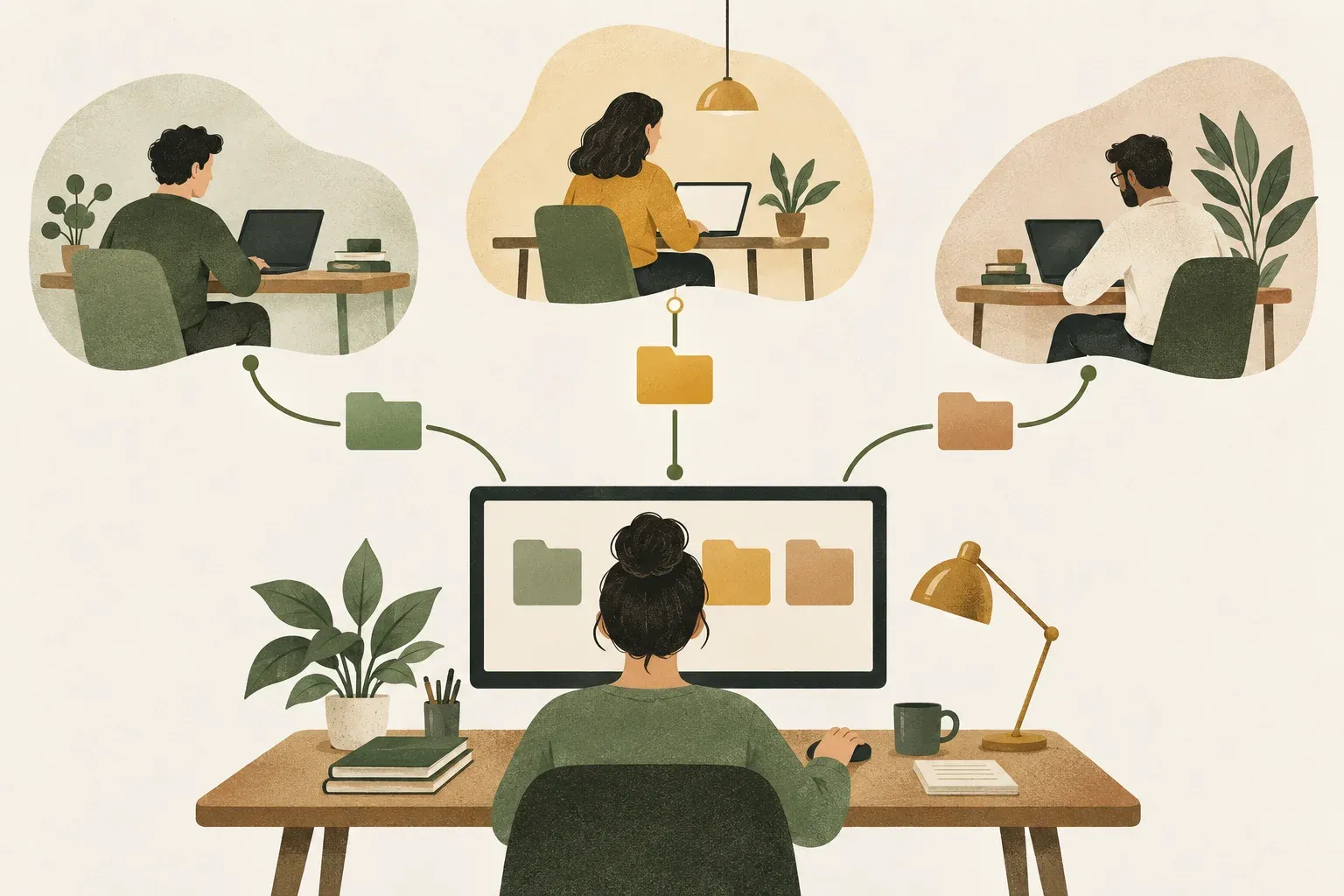
Agent Canvas is OpenHands' control interface
According to OpenHands documentation, Agent Canvas is a browser interface for conversations, files, a terminal, and model, backend, and automation settings. The backend runs the agent and tools. Even if the interface loads, the model account and file workspace still need to be configured.
Several conversations on one screen do not mean the agents collaborate or review each other's work automatically. First check which system and files each conversation points to.
Distinguish the interface, backend, workspace, and model
Keep four parts separate: the browser interface is for conversations and results, the backend manages execution and state, the workspace holds files, and the model helps the agent process tasks. They may live on different machines.
Suppose Canvas runs on your laptop but connects to a VM with another copy of the repository. Point it at the wrong workspace and the agent may edit the wrong copy. Check the backend name and path first, then inspect the resulting files there.
Start with one backend and a small task
For npm or npx setup, the guide specifies Node.js 24 or later and uv. Docker is another option if you need to define mounted directories. This command downloads the required components to run locally.
npx @openhands/agent-canvasAfter launch, check the backend connection, set the model, choose a workspace, and start a conversation. Begin with reading a file or a reversible edit. KrobClick has not installed this or connected a provider, so we cannot claim the command worked on our machine. See OpenHands' installation guide
Multiple conversations still need file ownership
Each conversation has its own history and settings and can be linked to a backend, according to the documentation. But two tasks in the same workspace can touch the same files. Separate histories do not create separate repository copies.
For a first split, KrobClick suggests having one task investigate the cause and another review the proposed fix in the output document, with only one task editing files. Separate workspaces and plan how to merge before allowing concurrent edits. This is our suggested workflow, not a guaranteed product feature.
The control interface does not itself isolate machine access
The installation guide warns that a backend running directly on a host uses that user's permissions. An agent may read, write, and execute within that environment. A container or VM can limit access, but inspect the mounts, network, and exposed secrets.
Before using real data, check which provider receives context and which credentials the backend can access. A working local interface is no reason to expose the service to the network. Follow the project's self-hosted guide for remote access.
Check workspace files and test results before accepting the work
Before accepting the task, inspect the repository, branch, changed files, and tests in the same workspace. If the interface says done but there is no artifact, investigate further. Record pending work and errors separately from verified code changes.
For queues and longer-lived task ownership, read about OpenRig, which addresses another layer of team coordination. For file and test verification, see How to verify an Agent's work
Sources
- OpenHands/docs: Documentation for the referenced version
- OpenHands: Agent Canvas Overview
- OpenHands: Install Agent Canvas
- OpenHands/OpenHands
Reviewed OpenHands/docs commit 10f5b5320c6338f034611ba0bff02a125b1071bb on October 30, 2026. We did not install or test Agent Canvas. This explanation is based on developer documentation, not KrobClick runtime results.