
Generate Unique Passwords with KrobClick: Choose Length and Store Them Securely
Adding a digit to an old password and reusing it elsewhere still exposes other accounts if one site is breached. Generate a new password per account and let a password manager remember it.
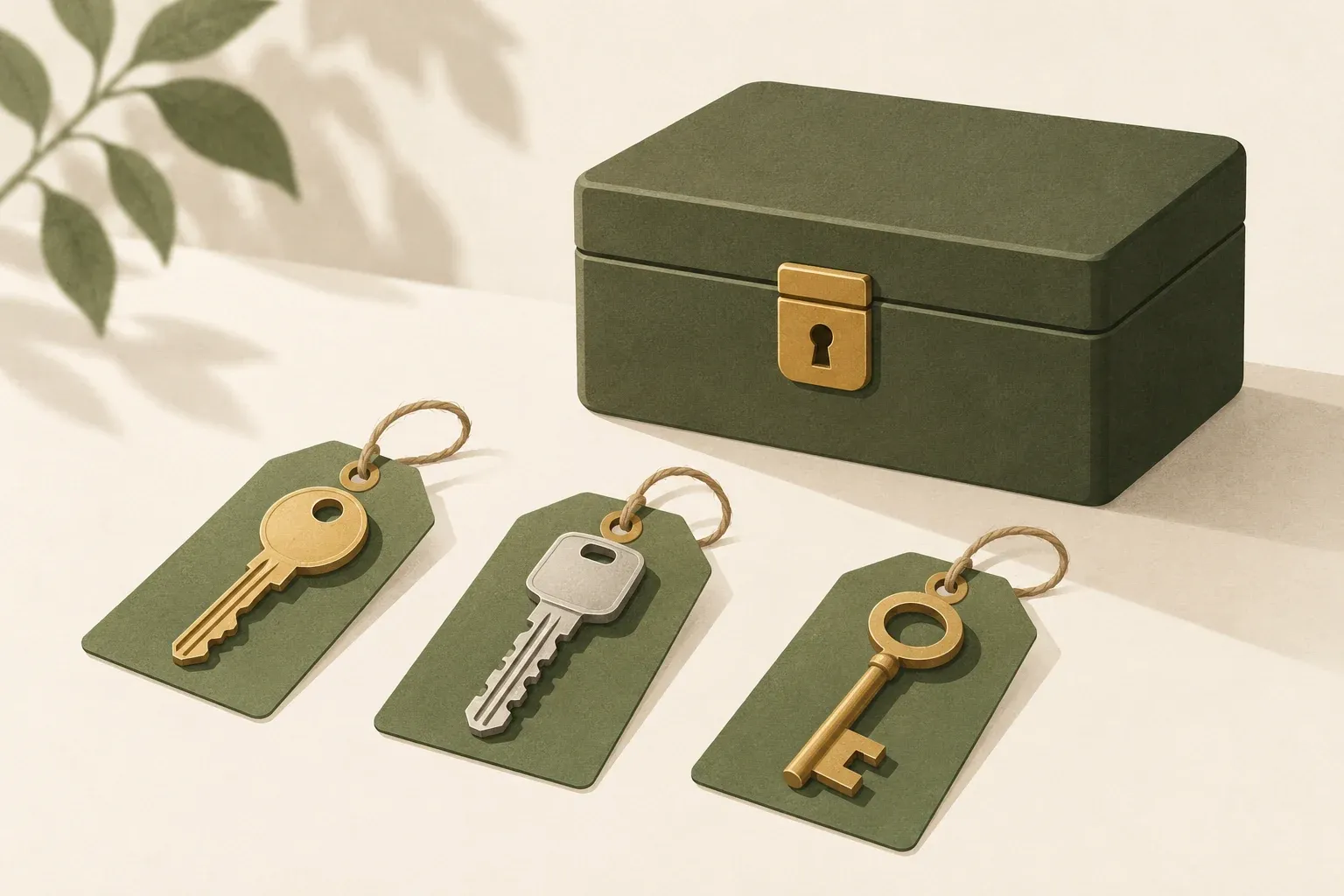
A good password should be long, unique, and stored in the right place.
If one site is breached, a reused password can be tried on other accounts. NIST recommends different passwords for each service and storing them in a password manager.
KrobClick password generator lets you set length and character types. Based on the page and project code, it generates passwords with the browser’s Web Crypto API and is designed to work on your device without sending passwords to KrobClick’s server. It cannot see passwords for your other accounts or guarantee global uniqueness. Generate a separate password for each account.
Set up the password generator
- Open Password generator page Set the length. The default is 20 characters; the current slider accepts 4 to 128.
- Choose lowercase and uppercase letters, digits and symbols according to what the destination site accepts.
- If similar-looking characters worry you, exclude characters such as 0 and O. That reduces the available character set.
- Click “Generate new password,” then save the copied result in a trusted password manager, not in a public chat or shared document.
- Use it only for the account you are creating or updating.
Twenty characters is a starting point, not a universal minimum. NIST sets requirements for password-accepting services, including a 15-character minimum when a password is the only authentication factor. Individual sites may have different rules. See NIST password requirements
The tool generates a password on load and when settings change. If you disable every character type, it asks you to select at least one. Check that you copied the latest password before saving it. The 4–128 range is a tool limit, not advice to use four characters for an important account.
What the entropy estimate can and cannot tell you
The tool shows Entropy as an estimate based on length and character-set size. A wider set, sampled appropriately, gives more possible passwords.
The code estimates entropy as Length × log₂(Number of characters in selected set) and rounds to an integer. For 26 lowercase English letters and a length of 20, 20 × log₂(26) ≈ 94 bits. This is a calculation example, not an actual password to use.
The formula assumes independent, equally likely draws from one set for each position. The tool also requires a character from each selected category before shuffling, so the displayed figure is not the exact entropy of every possible output distribution. It cannot be converted into a fixed time to crack.
This score cannot guarantee account security. Phishing, password storage, the site’s login system and account settings still matter. Even a long password can leak if you enter it on a fake website.
Common mistakes after generating a password
- Generated a password but forgot to save it? Use a suitably protected password manager, or you may need frequent account resets.
- Watch the clipboard: some apps or clipboard histories may read passwords. Avoid pasting in the wrong place and clear history when appropriate.
- Do not reuse one generated password across several accounts.
- If supported, enable multifactor authentication or use a passkey as appropriate.
Limitations of the tool and things you should check yourself
This tool does not store passwords, check whether an account was breached, or verify the site where you enter the password. Follow the destination site’s length and character rules while keeping the password as long and unique as possible.
NIST does not require a fixed mix of uppercase and lowercase letters, digits and symbols for user-chosen passwords. Character-type controls are for meeting the destination site’s rules; enabling every type is not proof of security. See NIST password requirements.
Create one password per account, then manage the rest of the login process
Start with important accounts that reuse a password. Choose a supported length, generate a new password and save it in a password manager. Enable additional protections when available. Check that passwords really are separate and safely stored, rather than relying on the strength score alone.
Sources
- NIST SP 800-63B: Authenticators
- NIST SP 800-63B: Customer Experience Considerations
- NIST: Digital Identity Guidelines FAQs
Reviewed KrobClick main settings and tool metadata and NIST documentation on October 15, 2026. Checked random-generation code and preview steps, not an independent security audit or statistical randomness test. Displayed entropy is an estimate, not certification.