
How to match invoices to incoming bank CSV payments without guessing from the amount
A CSV deposit exactly matches an invoice? Do not mark it paid yet: it could be another payer’s transfer or part of a combined payment for several invoices.
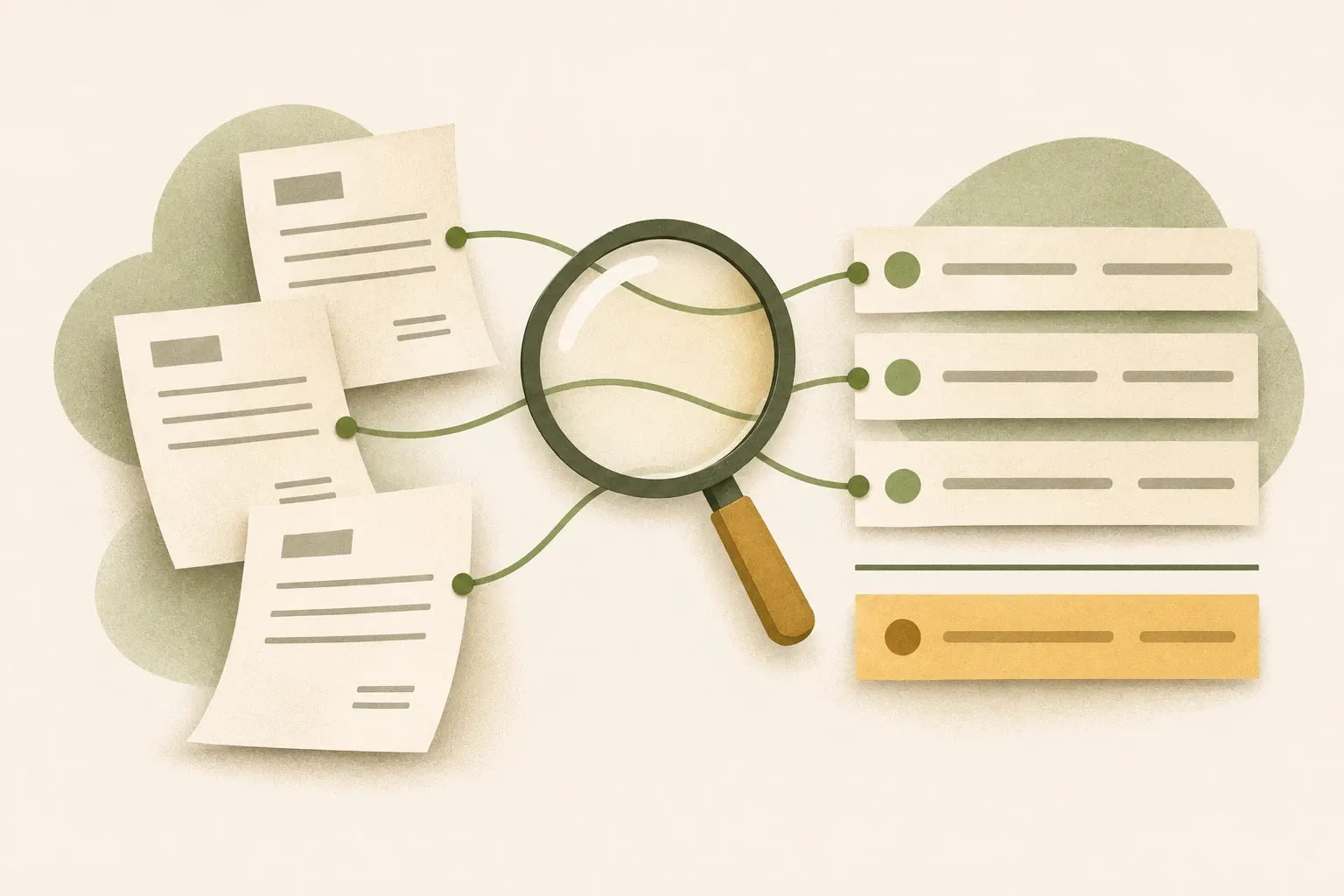
A bank deposit confirms receipt of money, not which invoice it pays
First find posted deposits in the correct account and currency. Compare their references, payer, amount, and timing with invoices and customer payment notices. Match a deposit only when the evidence shows which invoice it settles and by how much. Equal amounts help narrow the search; they do not prove that customer paid.
This is a manual review table. KrobClick's CSV Editor can open and edit rows in the browser, but does not connect to a bank, ingest an accounts-receivable register for matching, reconcile accounts, or post ledger entries. Keep the bank file and invoice register under your control. If you use accounting software, post only reviewed and approved entries through its normal process.
Prepare separate source files and check completeness before comparing them
Export posted transactions for the account and date range, together with that period’s bank statement. Separately export outstanding invoices with invoice number, customer, currency, original amount, approved credit notes, due date, and balance. Work on copies and retain the originals for tracing. CSV stores rows and fields of text, but banks do not all use the same columns. RFC 4180 explains that a quoted field may contain commas, line breaks, or quotation marks. Splitting at every comma can shift the fields into the wrong columns.
Check the headers, delimiter, encoding, date format, and debit/credit signs before interpreting the file. A positive number does not always mean money in; some banks use separate columns. Treat transaction IDs as text so leading zeros survive. Compare opening and closing balances and row totals against the statement in case the CSV was filtered or includes pending items. Redact account and customer details in a copy shared for review, and restrict access to any unredacted file.
Identify customer receipts and record the reason for each match
- Give each row an identifier that traces back to the original file, such as account plus bank transaction ID. If there is no ID, retain the account, posting date, amount, description and original-file row identifier. Flag apparent duplicates; do not merge rows on your own.
- Remove transfers between your own accounts, reversals, refunds and other noncustomer deposits from the invoice-matching queue, but retain them for the overall cash reconciliation.
- Look for an invoice number in the transaction description or payment advice. Check the payer, currency and outstanding balance, and make sure this bank row has not already been applied elsewhere.
- Without an invoice number, use the payer name, date range and amount only to find candidates. Two customers may owe the same amount; ask for a payment reference or inspect supporting documents before choosing.
- If one deposit covers several invoices, list them all and check that the supported allocations add up to the deposit. If one invoice is paid in installments, record each receipt separately and track the remaining balance.
- Record the bank-row ID, invoice number, amount applied, evidence location, reviewer and review date. Keep unresolved items unmatched, with a reason and an owner for follow-up.
The customer’s transfer date and the bank’s posting date can differ. A later posting date alone does not prove late payment, and a transfer screenshot does not prove the money arrived. With platform payments, the bank may show only a combined payout. Stripe's payout reconciliation report can link a payout to underlying Stripe transactions for supported accounts, but a single bank row cannot split them by itself. CSV Editor does not perform this step, and other providers should not be assumed to offer the same report.
Hypothetical example: two deposits for one invoice
Suppose invoice INV-1042 is for 1,250.00 USD with no credit note. The bank shows 500.00 USD on June 5 and 750.00 USD on June 12, both referencing INV-1042. Check the payer and payment evidence, and confirm neither row has been applied before. If the first row checks out, apply 500.00 USD, leaving 750.00 USD, then review the second row separately. If both are confirmed, 500.00 + 750.00 = 1,250.00 USD. These are hypothetical figures illustrating review, not bank data or a KrobClick tool test.
If another 750.00 USD deposit appears on June 12 without an invoice number, do not use it to close INV-1042 just because it matches. Retain both candidate rows for review. If the first receipt is later reversed, revisit the invoice settlement; the earlier amount cannot simply remain treated as received.
Hand off unresolved items instead of forcing every row to match
Keep unidentified deposits, short payments, near-duplicate rows, unknown payers, foreign-currency receipts, and provider batches on an exception list. Someone with access to both customer payment evidence and bank statements should decide what to do. FDIC's Money Smart for Small Business guide recommends regular account tracking and reconciliation. An orderly invoice register alone does not prove the cash ledger agrees with the bank.
For differences caused by fees, discounts, or partial payments, read why the invoice amount may differ from the bank deposit. To check the whole cash account at period-end, see bank reconciliation for a small business. Both are manual checks, not bank connections. Do not change an invoice amount to match a bank row without evidence.
Sources
- RFC Editor: RFC 4180, Common Format and MIME Type for CSV Files
- FDIC: Money Smart for Small Business, Banking Services participant guide
- Stripe Documentation: Payout reconciliation report
This is a manual review guide, not accounting, tax or legal advice. All figures are hypothetical. Bank exports and payment-provider reports vary. KrobClick does not connect to banks or match invoices automatically.