
Bank reconciliation for a small business: manually review month-end cash
Every customer payment matches, but your cash ledger still differs from the bank? Check all money in and out for the period: some differences are timing, while others need a ledger entry.
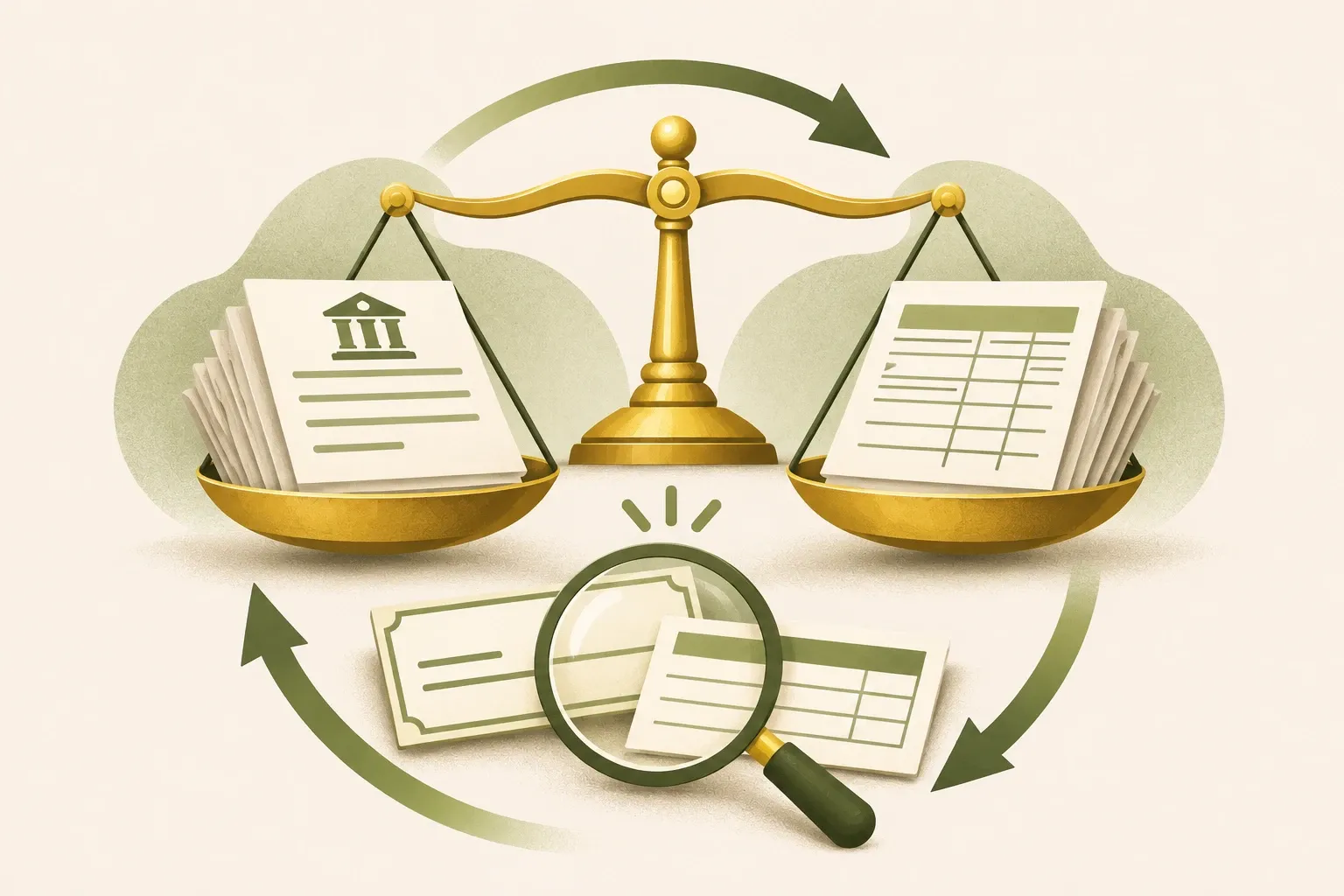
Reconcile the entire cash account, not just invoices
A bank reconciliation compares the closing balance of one bank account with its cash ledger on the same cutoff date. Check where each transaction appears. A deposit not yet credited and an uncashed check are timing differences; a bank charge missing from the ledger needs investigation before recording. The aim is two supported adjusted balances that agree, not numbers chosen to cancel out. Invoice matching checks customer receipts, but leaves supplier payments, fees, and transfers between accounts to review.
FDIC's Money Smart for Small Business guide recommends keeping track of and reconciling accounts regularly. The steps here are manual; KrobClick does not reconcile accounts automatically.
Gather complete evidence for the same account and period
Start with the official statement for one business bank account and the cash ledger for that account and period. Check the opening balance and date range first. If you sort or search a CSV export, compare its transaction count and closing balance with the statement. Exports can include pending items, omit fees, duplicate rows after repeated downloads, or put money in and out in different columns. Transaction, effective, and posting dates can differ too. Keep the originals.
Bring forward outstanding checks and deposits in transit from the previous reconciliation, plus receipts, payment evidence, and relevant payment-provider payout reports. Do not count an old outstanding item as a new expense without checking. Restrict access to bank statements and exports, which may contain account and customer details. KrobClick's CSV Editor can open or edit a CSV copy in your browser, but it does not connect to a bank, post ledger entries, or reconcile balances. A bank statement is not an invoice register either.
Review deposits and withdrawals one by one without clearing them twice
- Confirm the bank account, period, and opening and closing bank balances. Compare the ledger opening balance with the previous reconciliation.
- Compare each bank deposit and withdrawal with one ledger entry, or with several entries supported as one combined payment. Check amount, currency, payer or payee, reference and posting date. Record installment receipts and aggregated payouts clearly.
- Investigate bank-only transactions before assigning a category: for example, bank charges, interest, unrecorded direct debits, returned receipts or provider payouts. An unfamiliar withdrawal is not a rounding difference.
- For ledger entries absent from the bank, check timing: a check issued before month-end but not yet cleared, or a deposit recorded by the business before cutoff but not yet posted by the bank. Follow up against statements after cutoff; do not carry an old outstanding item forward indefinitely without investigation.
- Separate bank-side timing adjustments in the reconciliation worksheet from adjustments to the books. Get approval before posting actual transactions in the accounting system. Keep timing differences on the reconciliation until they clear the bank, and retain a reviewed exception log with evidence.
This bank-side versus ledger-side distinction follows AccountingCoach's bank reconciliation explanation: deposits in transit and outstanding checks go on the bank side of the reconciliation, while fees and items found only at the bank require investigation and, as appropriate, ledger adjustments. Its example teaches the principle; an accountant should still confirm classifications and the business’s procedures.
Hypothetical example: adjust both balances at month-end
Suppose the same USD account closes in June with 10,000.00 USD on the bank statement and 10,350.00 USD in the cash ledger. A 500.00 USD deposit is in the ledger but has not reached the bank; a recorded 200.00 USD check has not cleared; and the bank has charged a 50.00 USD fee not yet in the ledger. All amounts are hypothetical, with the same cutoff date on both sides.
| Bank side | USD | Cash ledger side | USD |
|---|---|---|---|
| Bank statement closing balance | 10,000.00 | Unadjusted ledger balance | 10,350.00 |
| Add: deposit in transit | +500.00 | Subtract: verified fee | −50.00 |
| Subtract: outstanding check | −200.00 | Assume no other adjustments | 0.00 |
| Adjusted bank balance | 10,300.00 | Adjusted ledger balance | 10,300.00 |
Both adjusted balances reach 10,300.00 USD, but that does not finish the review. Find evidence for the deposit, check, and fee. The 500.00 USD deposit and 200.00 USD check adjust only the bank side of this table; they are not new income or expenses to post again. If the 50.00 USD fee is real and unrecorded, get approval before posting it. Check each row: two mistakes can offset each other even when the totals agree.
Follow up unexplained items instead of making the totals agree by force
Keep a dated exception list for unmatched money in or out, duplicate imported rows, old outstanding items, reversed deposits, and amounts that disagree with source documents. Record the reference, amount, evidence reviewed, owner, and next step. If a withdrawal appears unauthorized, contact the bank promptly through a verified channel. Do not relabel it as a fee to make the balances agree. A reversed customer payment also calls for a review of both the cash ledger and invoice status under the business’s procedures.
Do not alter the bank CSV or park an unexplained amount merely to force agreement. An authorized reviewer should check the documents and approve classifications, especially for tax, foreign currency, suspected fraud, or closed periods. If you only need to identify which invoice a receipt belongs to, read how to match invoices to bank CSV deposits. If the receipt differs from the invoice amount, see how to separate fees, partial payments and discounts. Neither guide nor CSV Editor replaces the bank statement or an accountant’s review.
Sources
- FDIC: Money Smart for Small Business, Banking Services participant guide
- AccountingCoach: Bank reconciliation explanation
Educational guidance, not accounting, tax or legal advice. USD figures are hypothetical. Timing, local accounting rules and bank-export formats vary. KrobClick does not connect to banks or keep accounts automatically.