
Hermes on Raspberry Pi 4: ARM64 Setup and Always-on Use
A Raspberry Pi 4 with 8GB of RAM can host Hermes Agent and its Messaging Gateway continuously, but the agent running on the Pi does not mean the language model runs there. This guide covers 64-bit Raspberry Pi OS, installation checks, a test conversation, and Gateway setup, including storage, permissions, and reliability limits.
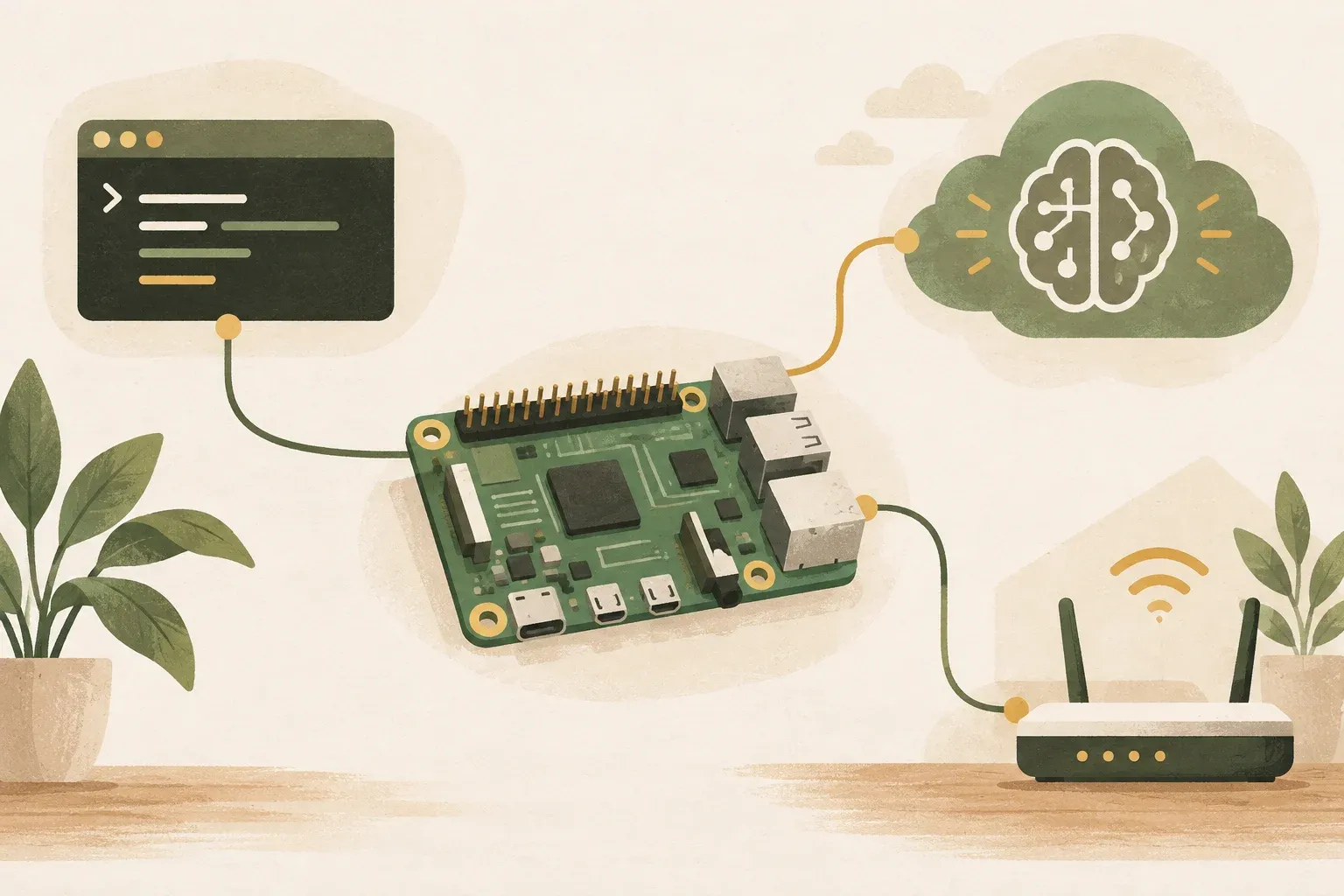
Which parts of Hermes can run on a Raspberry Pi
When Hermes runs on the Pi, the local component is an agent runtime It handles the program, sessions, memory, skills, tool calls, cron, and the Messaging Gateway. The language model may be elsewhere: with Nous Portal, OpenRouter, Anthropic, or another external provider, the necessary messages and context go to that provider under its data policy.
You can start with an API-hosted model without a GPU on the Pi 4 8GB. Its 8GB of RAM does not guarantee good performance for a large local model. For local inference, use a suitably equipped separate machine and connect Hermes through an OpenAI-compatible endpoint.
| Segment | Typical execution location | What to check |
|---|---|---|
| Hermes CLI and Gateway | Raspberry Pi | Operating system, CPU, RAM, storage and systemd |
| Memory, skills and session | Files under Hermes' home on the Pi | Free space, file permissions, and backups |
| Model inference | Defined external provider or local server | Cost, latency, privacy and context limits |
| Messaging | Gateway on Pi connects to Discord, Telegram or other channels. | token, allowlist and internet connection |
Prepare a Raspberry Pi 4 with 8GB RAM for headless use
Platform Support documentation checked October 29, 2026 lists Linux / WSL2 on x86_64 and aarch64 and says it was tested on recent Ubuntu and WSL2. That is not a test of every Raspberry Pi OS configuration or a Pi 4 benchmark. This guide starts with 64-bit Linux ARM64; compare its installer requirements with the version you choose.
Prepare 64-bit Raspberry Pi OS or Linux ARM64 with glibc and systemd and check the machine before installing:
uname -m
cat /etc/os-release
free -h
df -h
systemctl --version
The result of uname -m should be aarch64 for the documented ARM64 path. For long-running use, provide stable power, cooling, and a good microSD card or SSD. Logs, sessions, browsing, and downloads can consume considerably more storage after months of use.
Install Hermes and test a conversation before adding Gateway
The Quickstart gives this Linux installation command:
curl -fsSL https://hermes-agent.nousresearch.com/install.sh | bashA command of the form curl | bash downloads and runs a script immediately. To inspect it first, download it separately and verify the script and official domain or repository. Then open a new shell or reload your profile and run these checks:
source ~/.bashrc
hermes doctor
hermes model
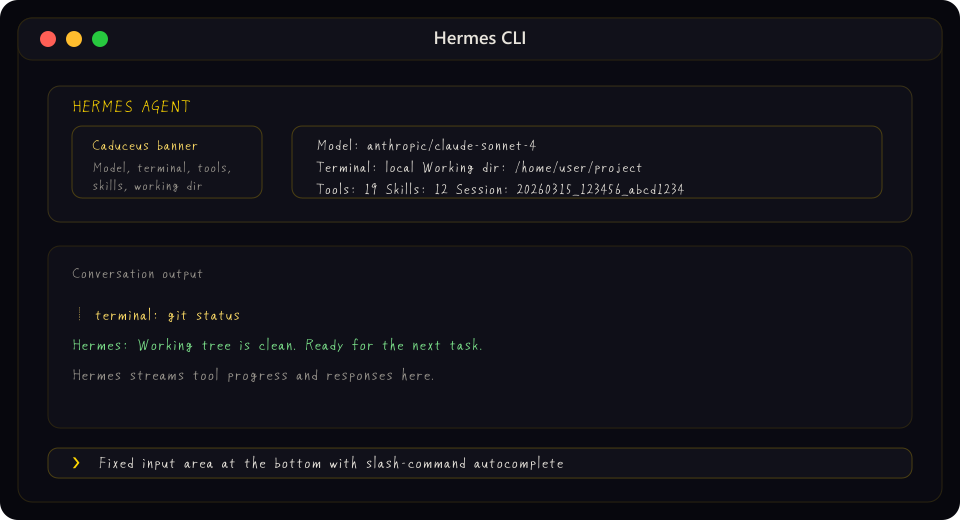
hermes
hermes model configures the provider, authentication, and model from the terminal. Do not put API keys in articles, public dotfiles, or shared command histories. Start with an external provider that supports tool use and verify an ordinary conversation before enabling browser, MCP, cron, and Gateway features one by one.
For a headless machine that does not need browser automation, the installer documents --skip-browser to skip Playwright-related setup. Browser tools will not work until their dependencies are installed later.
Set up Gateway to continue running without creating duplicate services.
Configure messaging and test the Gateway in the foreground first so you can see errors:
hermes gateway setup
hermes gateway run
Once a test message receives a reply, install a background service on Linux:
hermes gateway install
hermes gateway status
According to the docs, this installs a systemd user service. To keep it running after you leave SSH, you may need to enable lingering for that user:
sudo loginctl enable-linger $USER
journalctl --user -u hermes-gateway -f
A headless machine that needs to start at boot can use a system service instead:
sudo hermes gateway install --system --run-as-user <ชื่อผู้ใช้>
sudo hermes gateway status --system
journalctl -u hermes-gateway -f
Choose either a user service or a system service. Installing both with the same token can leave two Gateways competing for messages. Hermes warns about duplicate service units, but one clear service owner is easier to troubleshoot.
Monitor the Pi’s health and limit agent permissions
Check both the machine and the permissions of an agent that stays online. Start with these four areas:
- Resources: The first three commands show RAM, free storage, and uptime. Use the last one if Raspberry Pi OS provides temperature measurement. Record idle and heavy-load readings from the actual machine.
free -h df -h uptime vcgencmd measure_temp - Gateway status: After a real reboot, check
hermes gateway statusand the logs again. A working foreground process does not prove the service starts on its own. - Permissions: Enable only the toolsets, folders, and MCP servers needed for the task. File writes, sending messages, and system changes should have approvals appropriate to their impact.
- Secret: Restrict file permissions
~/.hermes/.envDo not store tokens in a repository. Rotate them immediately if they appear in public logs or screenshots.
Discord and Telegram work through the Gateway’s outbound connections; you need not expose a Pi port to the public internet just to receive messages. For remote administration, use authenticated access with restricted origins instead of an unprotected dashboard or SSH.
Raspberry Pi is suitable when you want to control the machine yourself, while VPS reduces the burden of maintaining hardware.
| Issue | Raspberry Pi 4 8GB | VPS |
|---|---|---|
| Data location | Keep sessions and files at home | Stored on provider infrastructure |
| Internet and electricity | Depends on the network and home electricity. | Usually backed by data-center infrastructure, but depends on the SLA |
| Maintenance | Manage storage, cooling, power, and backups yourself | Manage the operating system and security while the provider maintains hardware. |
| cost | There are equipment and electricity costs. Not always zero | There is a monthly fee and traffic fees may apply. |
| Suitable tasks | Personal assistant, gateway, cron, and small file tasks | Tasks needing uptime beyond the home environment or easy scaling |
Start on a Pi 4 8GB with Hermes CLI, an API-hosted model, and one Gateway channel. Try one kind of task and monitor RAM, temperature, storage, and logs in actual use. Add browser automation or more bots after identifying a real limit. One successful installation does not establish always-on reliability.
Sources
- Nous Research: Hermes Agent Platform Support
- Nous Research: Hermes Agent Quickstart
- Nous Research: Hermes Agent Installation
- Nous Research: Messaging Gateway and Service Management
- NousResearch/hermes-agent: Raspberry Pi 4B ARM64 installation discussion
Hermes Agent main-branch documentation reviewed October 11, 2026. Commands, installers, and platform support may change. Raspberry Pi 4 8GB is a hardware example, not a KrobClick benchmark or long-term stability claim.