
Why won’t my QR code scan?
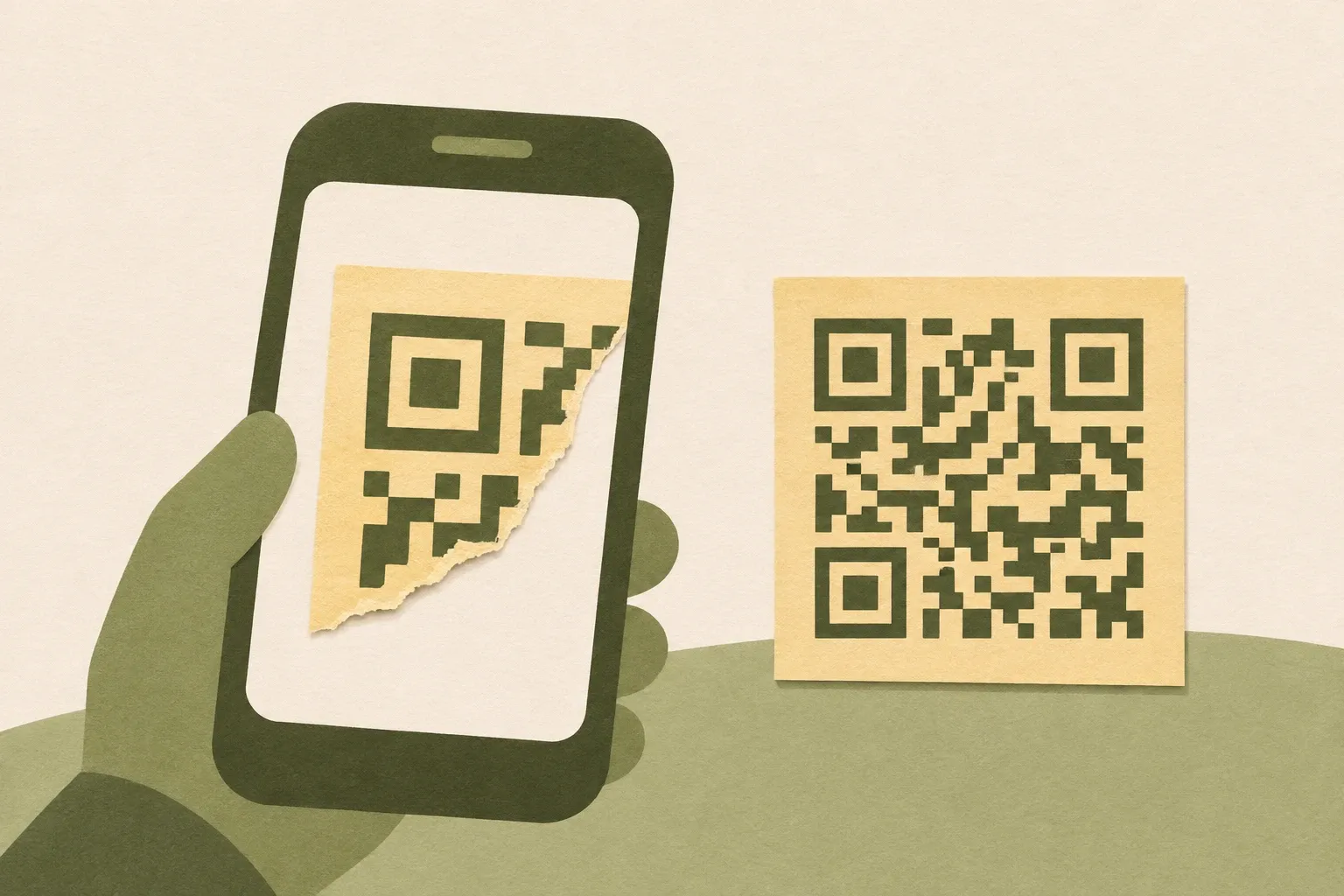
The QR scans in the file, but on your storefront sign you have to hold your phone right against it. Before reprinting, find out whether the camera cannot read the pattern or the decoded link leads to the wrong place. Each needs a different fix.
Can’t the camera read the code, or won’t the link open?
Picture a menu QR that works on a table but forces customers to walk right up to the storefront window. Scan it and first check what happens. If the camera shows nothing, examine the QR pattern and sign placement. If it shows a link but the menu does not load, the URL or website may be the problem. Making the QR bigger will not fix a broken link.
Compare the original file, layout and printed sign
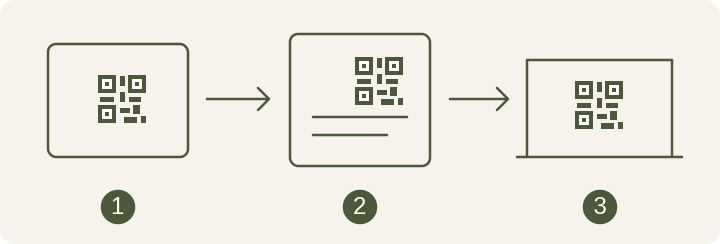
Scan the original file, then the QR in the page layout, then the printed sign. The first stage that fails tells you where to look. If the original works but the layout does not, check for a cropped margin, a pattern that broke up when resized, or blur. If the layout works but the sign does not, change the camera angle to avoid glare.
If the sign used to work, compare it with a photo from installation. Look for folds, stickers over the pattern and light reflecting off the finish. If you recently changed the colors or added a logo, return to the old design and change one thing at a time.
| What happens | Check this | Try this |
|---|---|---|
| The source file scans, but the poster does not | Was the image shrunk, cropped or crowded by text in its margin? | Place the image again, keeping its proportions and clear margin. |
| It scans only when you move closer | Are the small squares too small for the distance people stand at? | Try a larger print and scan from the intended spot. |
| The plain design scans, but the colored one does not | Does the pattern blend into the background? Is a logo covering it or the sign reflecting light? | Try a dark pattern on a light background, then adjust one thing at a time. |
| The camera shows a link, but it does not open or goes to the wrong page | Compare the decoded URL with the intended destination. | If you control the original URL, fix its webpage. If the QR encodes the wrong URL, make a new code. |
If you use KrobClick's QR reader you can select a PNG, JPEG or WebP image up to 15 MB, or use your camera. It shows the encoded data without automatically opening a link. You still need to check where the link goes.
Do you have to stand right next to the sign to scan?
Print the same pattern larger while keeping the link, colors and material the same. Try scanning from where people will actually stand. If the larger one works better, check whether the sign layout has room for it. If the original works when you avoid glare, try moving or tilting the sign before ordering a new print.
How to allow for the clear margin and calculate QR print size
The camera reads it, but the link goes somewhere else
Read the text or URL encoded in the QR and compare it with the intended page. Try opening it while logged out. If the URL is right and you control the destination, fix the webpage. If the encoded URL is wrong and you cannot fix its destination, create a new QR and test both the image and printed sign again.
How to inspect a QR link before opening it